The best AI virtual staging software in 2026, with every card on the table
By Justin Hociung, founder of Renov · Updated · First published
Twelve virtual staging tools, compared on what decides a real listing: does every photo of a room show the same furniture, what does a whole room actually cost, and how much control do you get. Every price is from each company's own website. Where I would pick something, I say which and why.
The short answer
- A listing with several photos of each room: Renov. It is the only tool here that rebuilds the room in 3D from as many angles as you shot and renders every photo from that one room, with real products at real size.
- Two close angles of a room, staged automatically: Edensign, the other tool doing real 3D, limited to 2 to 4 photos within about 90 degrees.
- One photo, staged in seconds, for as little as possible: Virtual Staging AI or StageHQ.
- Staging plus a big box of photo tools in one plan: Roomagen or Pedra.
- Someone else does all of it: BoxBrownie, or Styldod for less per photo.
Every tool at a glance
| Tool | Same furniture in every photo of a room | Who places the furniture | Price | A room shot from 4 angles |
|---|---|---|---|---|
| Renov | Yes: every angle rendered from one 3D model of the room | You, in 3D, at real size | €5.53 to €10 a room | €5.53 to €10 (one room) |
| Edensign | Yes, from 2 to 4 photos within about 90 degrees (3D on Pro) | AI, then you on Pro | $20 to $117 a month | About $3.10 to $5.30 |
| Virtual Staging AI | Not stated | AI | $16 to $79 a month, billed yearly | $2.12 to $10.68 |
| Collov AI | On Advanced plans and up | AI | $19 to $127 a month | About $0.97 to $1.27 |
| Apply Design | Says so; method not stated | You, on the photo, or AI | $10.50 to $15 a photo (auto) | $42 to $60 |
| REimagineHome | Not stated | AI | $14 to $99 a month | $0.44 to $1.87, if one credit a photo |
| Roomagen | Not stated; its own comparison lists inconsistent furniture across angles | AI | $12 to $79 a month | $0.92 to $1.60 |
| StageHQ | Not stated | AI | $19 for 20 photos, one-time | $1.12 to $3.80 |
| Pedra | Manual: reuse the furniture of another photo | AI | €29 a month | About €1.16 |
| BoxBrownie | Done by editors | Human editors | About €30 a photo | About €120 |
| Styldod | Done by designers | Human designers | $16 to $23 a photo | $64 to $92 |
| Stuccco | Done by designers | Human designers | $24.50 to $35 a photo | $98 to $140 |
Prices from each company's own website, checked October 2026. The 4-angle column prices four photos at the dearest and cheapest plan rate; per-photo tools charge each angle. "Not stated" means the company does not publish it.
What actually matters when you choose
Most comparisons judge one staged photo. A listing is never one photo. You shoot the living room from the door, from the window and from the corner, and if the sofa is grey in one, beige in the next and a different shape in the third, the listing looks fake and buyers who walk in feel misled.
So three questions decide it. Does every photo of a room show the same furniture, at the same place and size? Who decides where things go, you or the AI? And what does a whole room cost, not one picture? A tool priced per photo charges four times for one room shot from four angles.
A lot of tools now say they do multi-angle staging. The way to know is simple: upload three angles of one room to each free tier and put the results side by side. It takes ten minutes and answers more than any review.
1. Renov
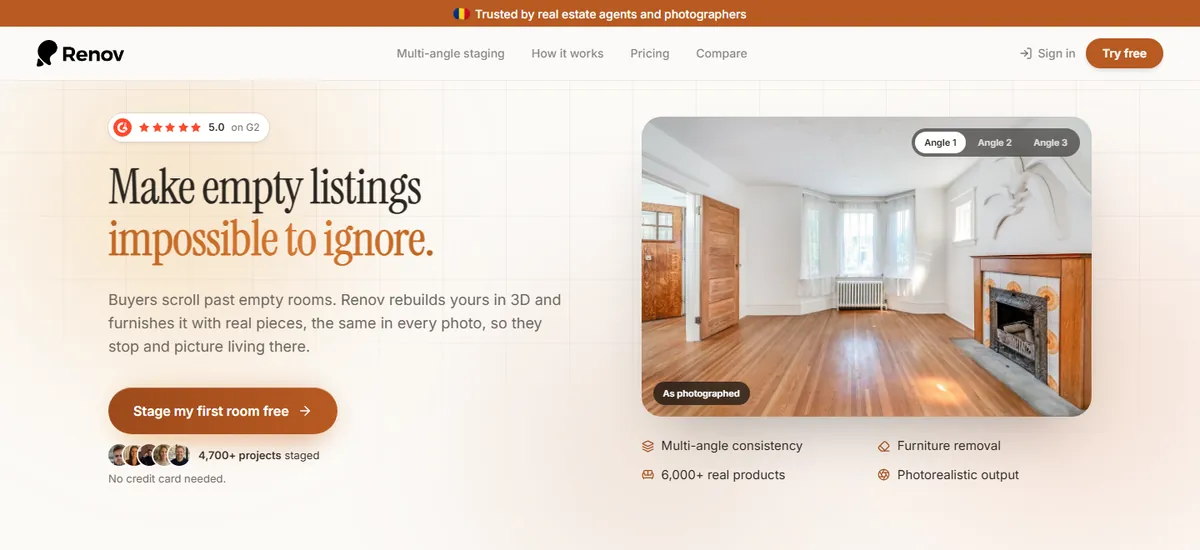
Best for: Listings with several photos of each room, when it has to look like real staging. Price: €5.53 to €10 a room, 4 angles included. renov.space
Pros
- Rebuilds the room in 3D from your photos, one or ten or more, and renders every photo from that one room: the same sofa, in the same place, at the same size, from every angle.
- More than 6,000 real products at their real dimensions, so a small room is never oversold with shrunken furniture.
- You stay in control: drag a product onto any photo, then move, turn, resize or swap it, and every angle updates.
- Each angle is rendered in the photograph's own light, with real materials, soft shadows and reflections, at full resolution, with no watermark.
- Priced per room: four angles of a living room are one room, not four photos.
Cons
- You place the furniture yourself, so a room takes a few minutes rather than one click.
- No listing videos, no 360 tours, no public API.
Physical staging quality at a virtual staging price. Renov does not paint furniture onto a photo: it rebuilds the room in 3D from all its photos, you furnish that room with real products, and every photo is a view of the same scene. Move a chair once and it moves in every angle.
It is what I would choose for any listing shot from more than one angle, which is nearly every listing. A physical stager charges $1,500 to $4,000 for the first month; a Renov room costs a few euros and the photos read as if the furniture was carried in.
2. Edensign

Best for: Two to four close angles of a room, staged mostly automatically. Price: $20 to $117 a month. edensign.io
Pros
- Real 3D staging: builds a 3D map of the room from 2 to 4 photos and places furniture once in it.
- A 3D editor on Pro to move, rotate and scale pieces, with every photo updating.
- Extras like day to dusk and AI listing descriptions.
Cons
- 3D staging needs the photos within about 90 degrees of each other, so a room shot from opposite corners does not fit.
- The 3D editor is on Pro, from $45 a month.
- A generic furniture library, not real products at their real size.
The closest thing to Renov, and the only other tool here doing real 3D. I would choose it for two similar angles of a room when I want the AI to do most of the work. For a room shot from every corner, or a whole property with connected rooms, Renov covers what Edensign cannot.
3. Virtual Staging AI
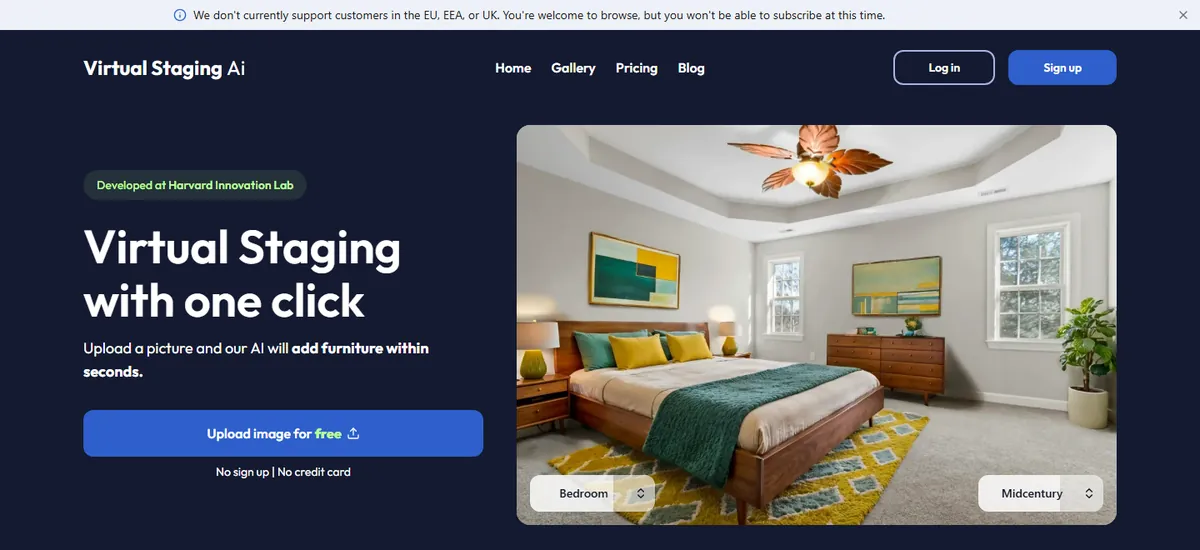
Best for: One photo staged in seconds on a monthly plan. Price: $16 to $79 a month, billed yearly. virtualstagingai.app
Pros
- About 10 seconds a photo, no watermark, furniture removal included.
- Owned by Zillow since 2024, so it is not going anywhere.
Cons
- The low per-photo price needs a yearly plan: $0.53 a photo only on the $948-a-year plan, $2.67 on the cheapest.
- Same furniture across photos of a room is not stated on its pricing page.
- You choose a style, not the pieces or where they go.
A good choice for one hero photo, fast. For several angles of the same room, test the consistency before you pay for a year.
4. Collov AI

Best for: Fast single photos with many variations. Price: $19 to $127 a month. collov.ai
Pros
- About 10 seconds a generation and many style variations.
- A multi-angle option on higher plans, human-assisted on Premium.
Cons
- Multi-angle starts on the Advanced plan, not the entry one.
- Free trials are watermarked.
- No control over individual pieces.
Good when you want options to choose from. I would choose it for exploring looks for one photo, not for a listing that has to match from every angle.
5. Apply Design
Best for: Hands-on staging photo by photo, with a big catalogue. Price: $10.50 to $15 a photo (auto), $7 to $10 DIY. applydesign.io
Pros
- Drag and drop on the photo, with 18,000+ furniture pieces.
- First image free.
Cons
- Priced per photo, close to human services: a room from four angles is $42 to $60.
- 10 to 15 minutes per auto-staged image.
- Editing is on the flat photo; no 3D room behind it.
The right idea, you deciding where things go, at a per-photo price. I would choose it for a single photo where I want to pick the exact pieces.
6. REimagineHome
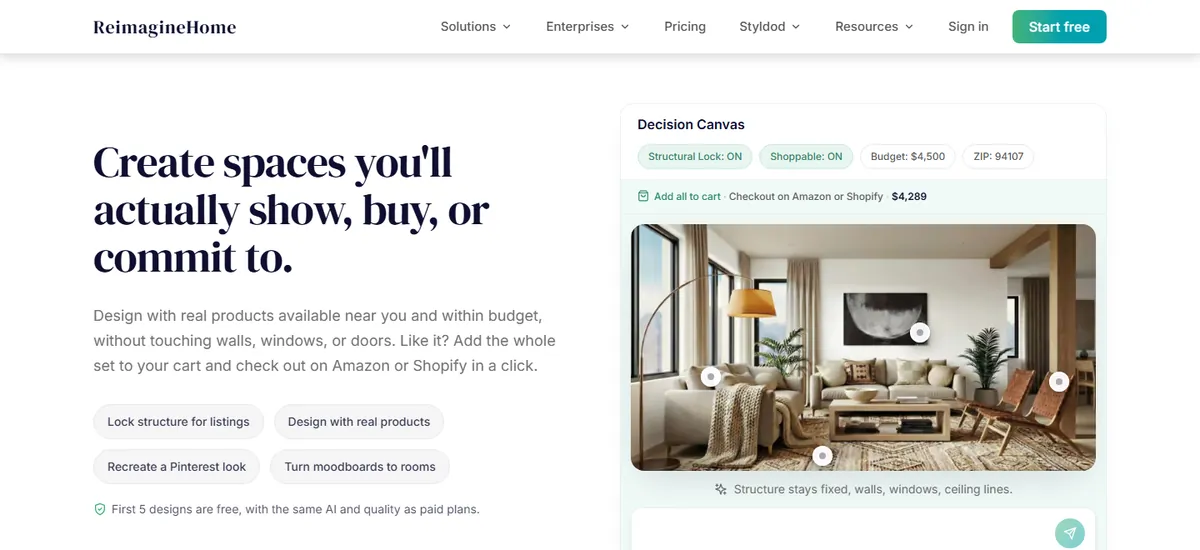
Best for: Homeowners exploring redesign ideas. Price: $14 to $99 a month. reimaginehome.ai
Pros
- A chat-style editor and redesign tools beyond staging.
- Real, shoppable products on Pro and up.
Cons
- Built for redesign ideas more than listing photos.
- Same furniture across photos of a room is not stated.
Fun for imagining a room differently. For listing photos, the dedicated staging tools above fit better.
7. Roomagen
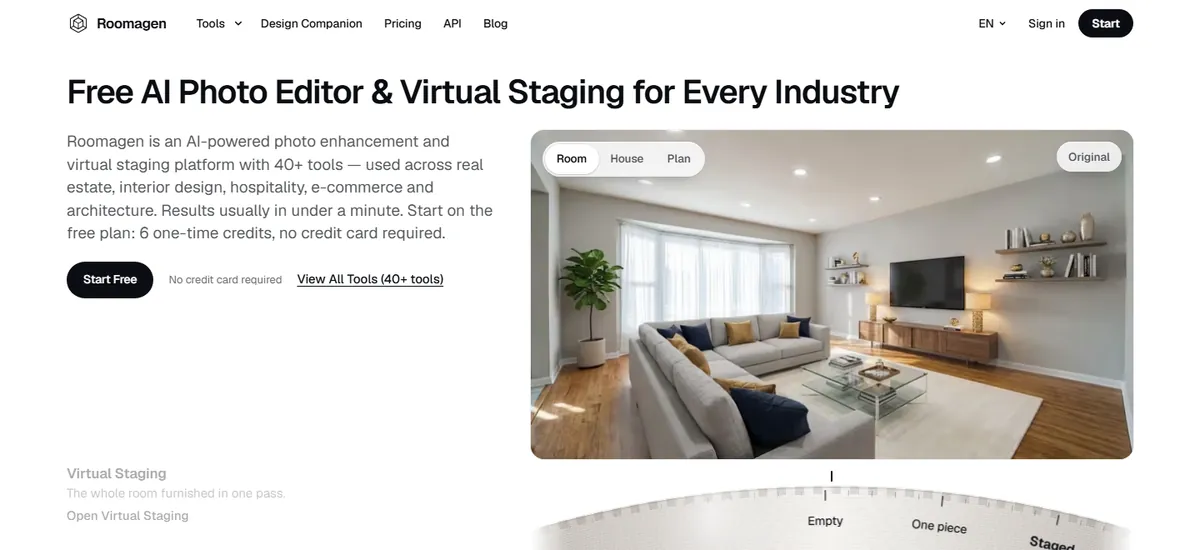
Best for: Many photo tools in one cheap plan. Price: $12 to $79 a month. roomagen.com
Pros
- More than 40 tools: staging, empty a room, declutter, day to dusk, floor plans.
- Low price per image, $0.23 to $0.40.
Cons
- Its own comparison lists inconsistent furniture across angles and 2K output.
- Every run costs 2 credits, retries included.
- Free images are watermarked.
A good toolbox for everyday photo fixes. I would not use it where several photos of the same room have to match.
8. StageHQ
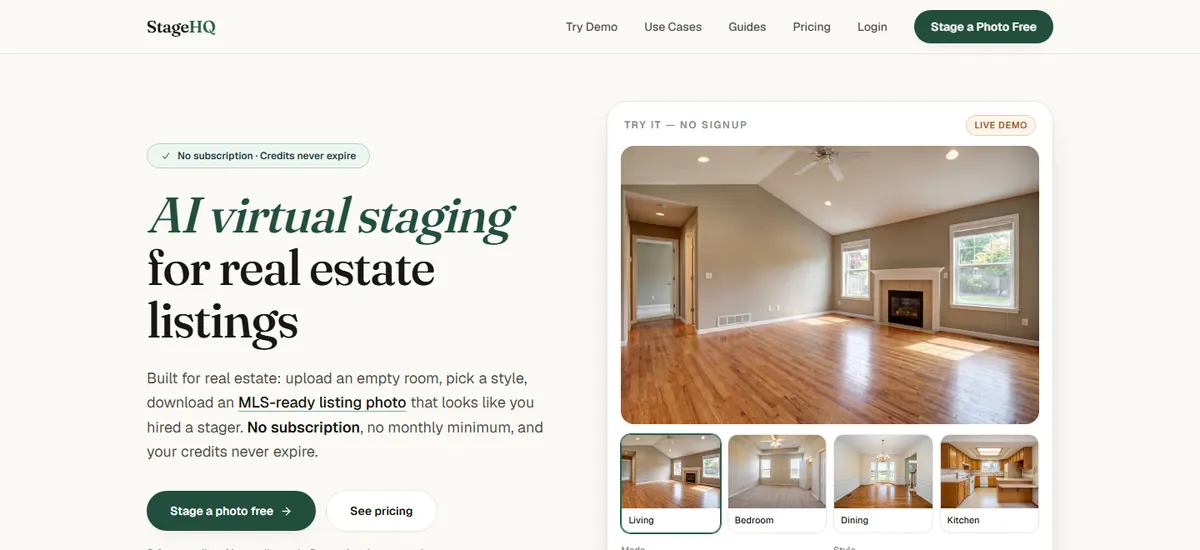
Best for: Occasional staging with no subscription. Price: $19 for 20 photos, $39 for 100, $69 for 250. stagehq.ai
Pros
- One-time packs, and the credits never expire.
- About 30 seconds a photo, up to 4K, and an MLS-safe mode that leaves walls and floors alone.
Cons
- Same furniture across photos is not stated.
- You pick a style; you do not place pieces.
The easiest way to stage a few photos a year without a plan. Fine for single photos.
9. Pedra
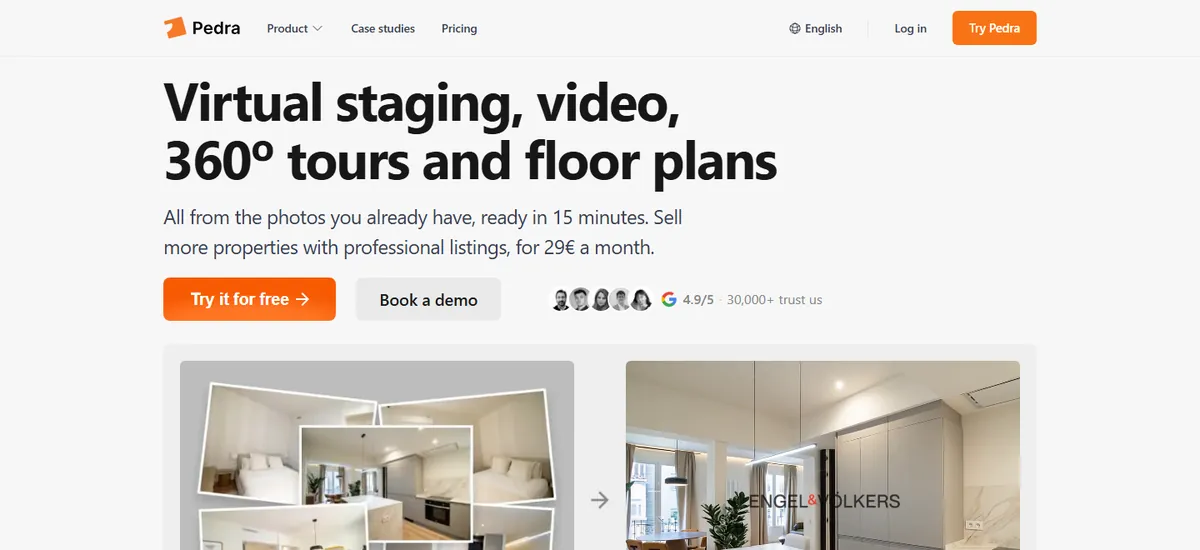
Best for: Staging plus listing videos and floor plans. Price: €29 a month, or €239 a year. pedra.ai
Pros
- Staging, emptying rooms, listing videos, floor plans and 360 photos in one plan.
- Cheap per credit, especially yearly.
Cons
- Matching furniture across photos is a manual step: reuse the furniture of another image and regenerate.
- You do not place individual pieces.
Good value for agents who want video too. For matching angles, expect manual work.
10. BoxBrownie
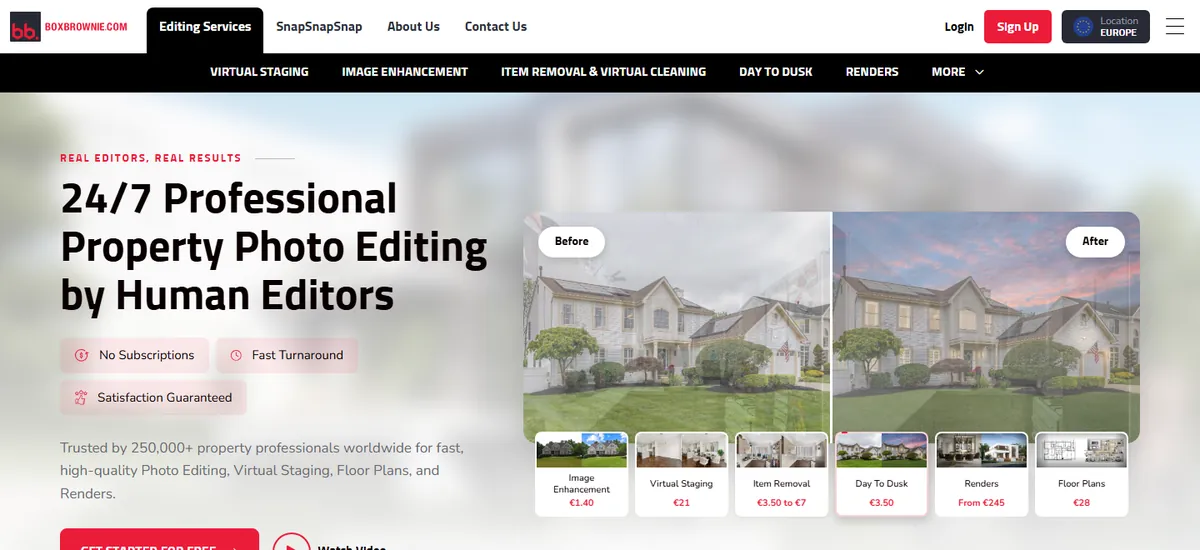
Best for: A person stages a hard photo while you do something else. Price: About €30 a photo. boxbrownie.com
Pros
- Human editors, with a long track record.
- Completely hands-off.
Cons
- Up to 48 hours per order.
- A room from four angles is about €120.
- Changes mean another round with the editor.
Reliable when you have budget and time. For a whole listing, it adds up fast.
11. Styldod
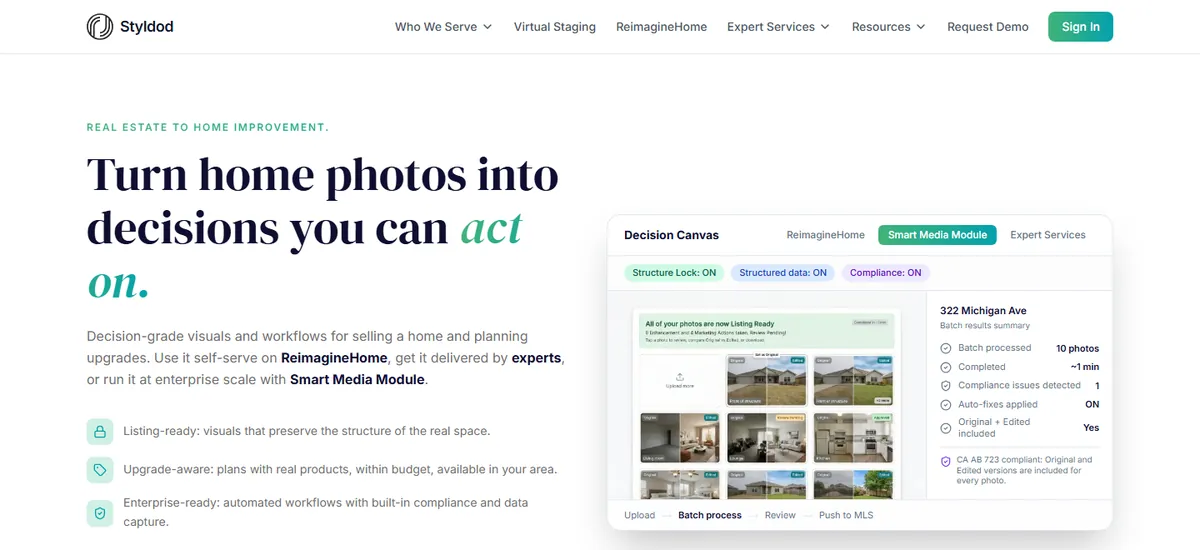
Best for: A managed service with unlimited revisions, for less than BoxBrownie. Price: $16 to $23 a photo. styldod.com
Pros
- Designer-led, with unlimited revisions.
- First image free.
Cons
- 24 to 48 hours, 12 with a rush fee.
- A room from four angles is $64 to $92.
The cheaper human option. Same trade-off: hands-off, but slow and per photo.
12. Stuccco
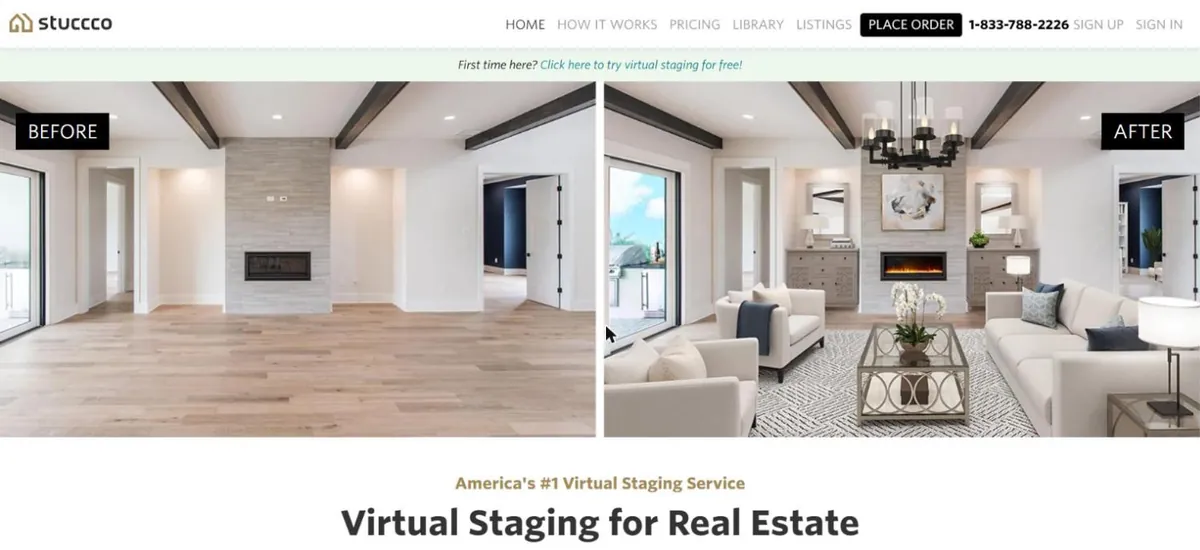
Best for: Brokerages sending designers a steady volume. Price: $24.50 to $35 a photo. stuccco.com
Pros
- Human designers.
- Bundles lower the price for volume.
Cons
- The low price needs a $799 bundle; pay as you go is $35 a photo.
- A room from four angles is $98 to $140.
Worth it only at volume, with bundles bought ahead.
How I compared them
- Prices, plans, speeds and features are each company's own published figures, checked on its website in October 2026, and linked in the sources below.
- Where a company does not publish something, the table says so instead of guessing.
- A room shot from four angles is priced as four photos for per-photo tools, at the cheapest and dearest plan.
- I build Renov, which is why it is first. Every claim about it is something you can check on your own photos, and its downsides are listed as plainly as everyone else's.
Before you pay for any of them
- Check your MLS rules: most require the architecture untouched (windows, radiators, doorways) and staged photos labelled as virtually staged.
- California (AB 723) also requires the original, unstaged photo to be shown with the staged one.
- Upload the same three angles of one room to every free tier and put the results side by side. That one test tells you which tool to use.
Questions
- What is the best AI virtual staging software in 2026?
- For listings with several photos of each room, Renov: it rebuilds the room in 3D and renders every photo from it, with real products at real size, so every angle matches. For one photo in seconds, Virtual Staging AI or StageHQ. For a human to do it, BoxBrownie or Styldod.
- Which virtual staging keeps the same furniture in every photo?
- Renov renders every angle from one 3D model of the room, from one photo to 10 or more. Edensign does real 3D staging from 2 to 4 photos within about 90 degrees on its Pro plan. Collov and Pedra offer multi-angle options with limits; check them on your own photos.
- What is the cheapest AI virtual staging tool?
- Per photo, Roomagen, Pedra and StageHQ come in under $1 a photo on their larger plans. Per room, Renov is €5.53 to €10 for a room with four angles included, cheaper than any per-photo service once a room is shot from several angles.
- How much does virtual staging cost per photo in 2026?
- AI tools run from about $0.20 to $2.70 a photo depending on the plan. Apply Design is $10.50 to $15 a photo. Human services cost $16 to $35 a photo. Renov is priced per room instead, €5.53 to €10 with four angles included.
- Is AI virtual staging as good as human staging?
- For one photo, the best AI tools are close. The difference shows across a listing: a human editor keeps a room consistent because a person checks it, and most AI tools do not. Renov gets the same consistency by rendering every angle from one 3D room.
- Is Virtual Staging AI owned by Zillow?
- Yes. Zillow Group acquired Virtual Staging AI in October 2024.
- Are there free virtual staging tools?
- Most have a free start: Renov's first room, StageHQ's 3 credits, Pedra's 7 credits, Roomagen's 3 watermarked images, Apply Design's and Styldod's first image, and REimagineHome's 5 designs.
- Do I have to disclose virtually staged photos?
- Usually yes. Most MLSs require virtually staged photos to be labelled, and California's AB 723 requires the original photo to be shown too. Check your own MLS rules.
Sources
- Edensign pricing
- Edensign 3D virtual staging
- Apply Design pricing
- Apply Design
- Virtual Staging AI pricing
- GeekWire on the Zillow acquisition
- Collov pricing
- ReimagineHome pricing
- BoxBrownie virtual staging
- Styldod virtual staging
- Roomagen pricing
- Roomagen's own 2026 comparison
- StageHQ
- Pedra pricing
- ListingAI on multi-angle staging
- Stuccco
- Reallyo's 2026 staging guide (Stuccco prices)
- RoomGPT
- Interior AI
- HomeLight on staging costs